Your account
Plans, export and leaving
Your plan and what counts as a device, downloading all your data, and closing your MSP with a signed erasure certificate.
Your plan #
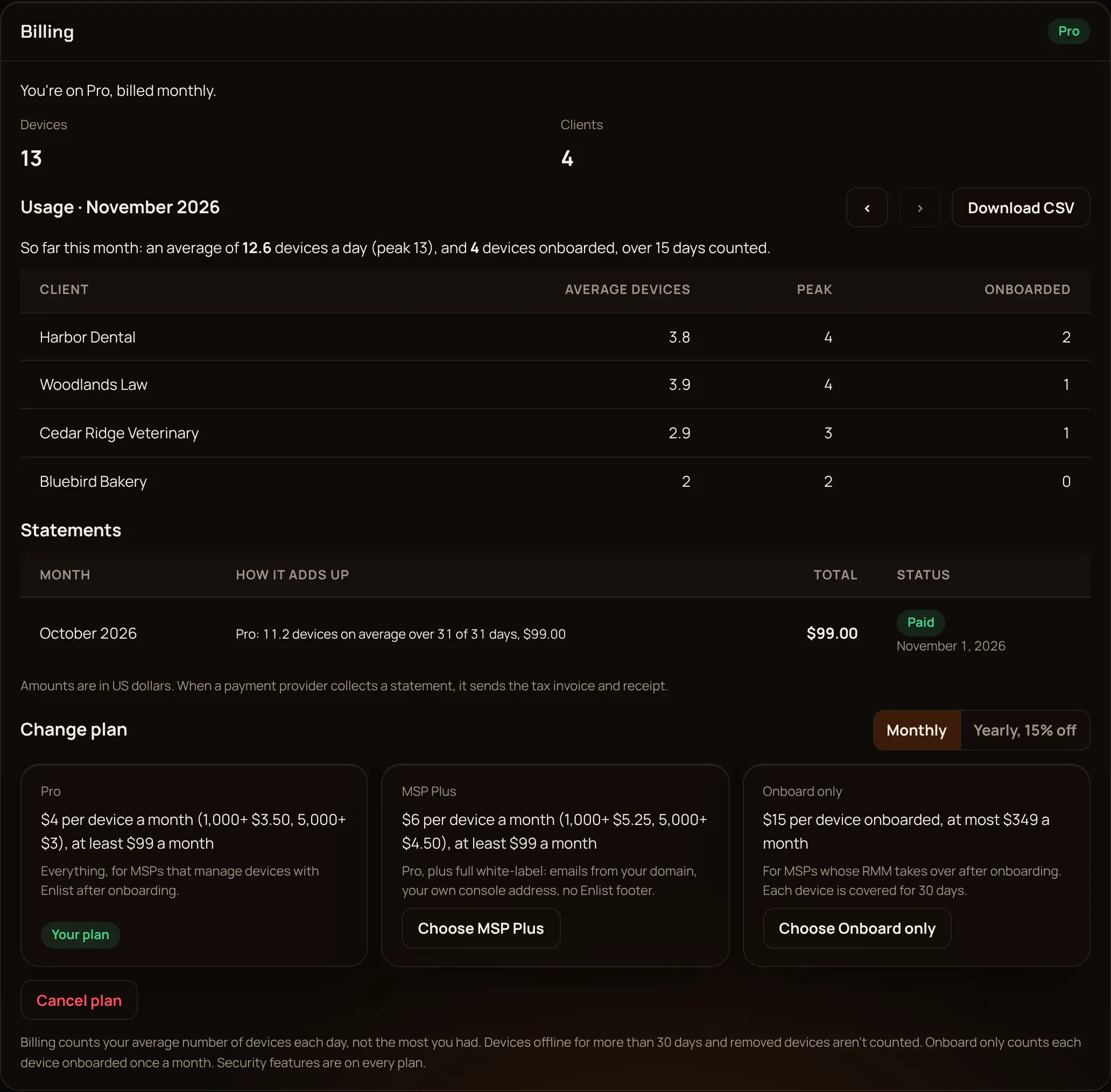
Settings → Billing shows your plan, device count, usage (Download CSV) and statements. Owners and admins can see it, and only owners can change it, each change with a passkey. Plans and prices are on the pricing page.
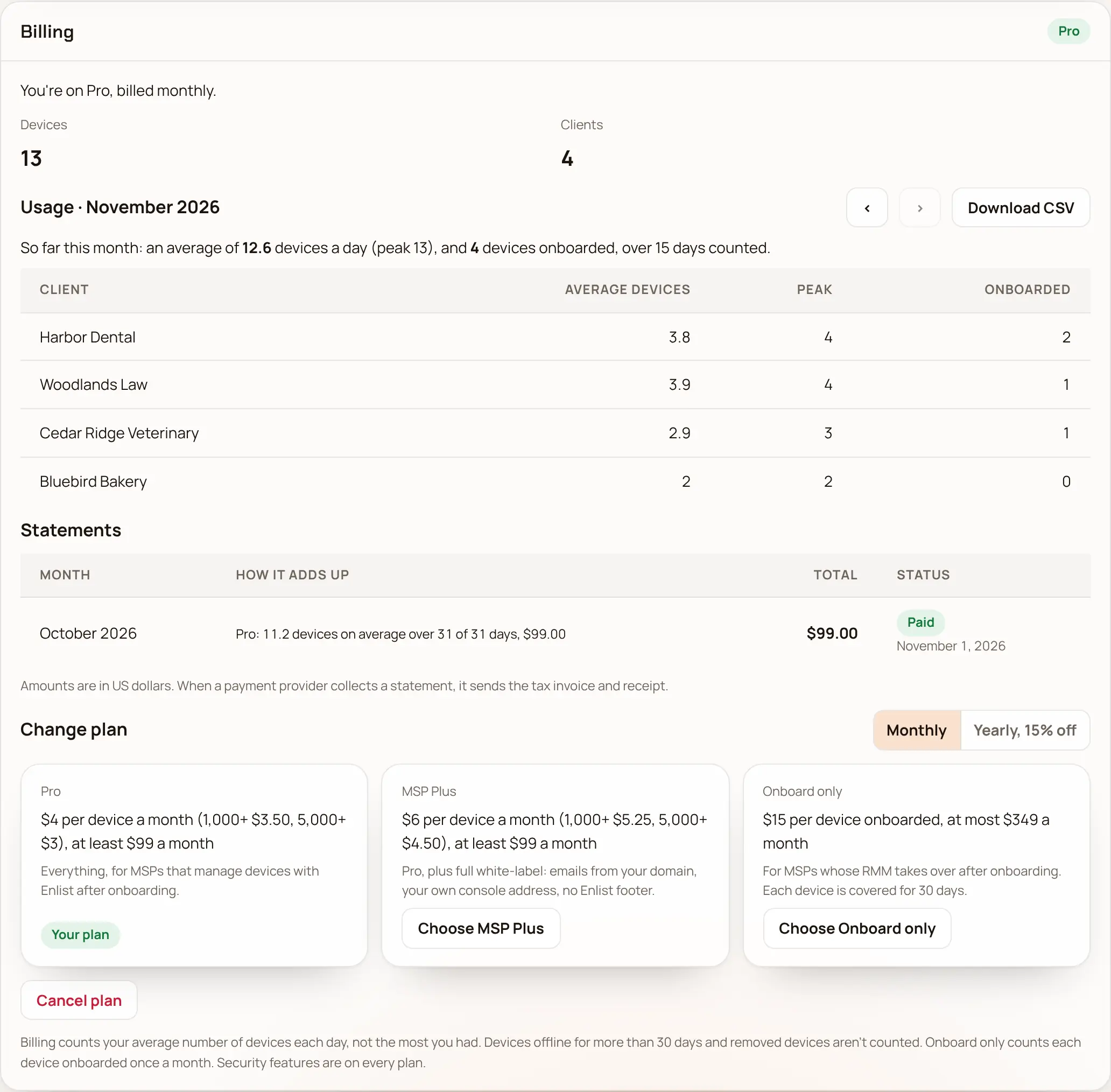
- Pro trial: a new MSP starts on a 14-day Pro trial, once, with no card needed.
- Billable device: one that isn't retired and was seen in the last 30 days.
There is no free plan. When the trial or a paid plan ends with nothing paid, Billing shows No plan: you can't add devices or clients, and after 7 days new work for devices pauses until you pick a plan. Devices already enrolled stay enrolled and keep checking in.
Download all your data #
An owner can pick Download all data in Settings → Your data at any time, with a passkey. It's a zip with one JSON Lines file per kind of record. Passwords and recovery keys aren't in it: view those per device.
Close your MSP #
Download your data first.
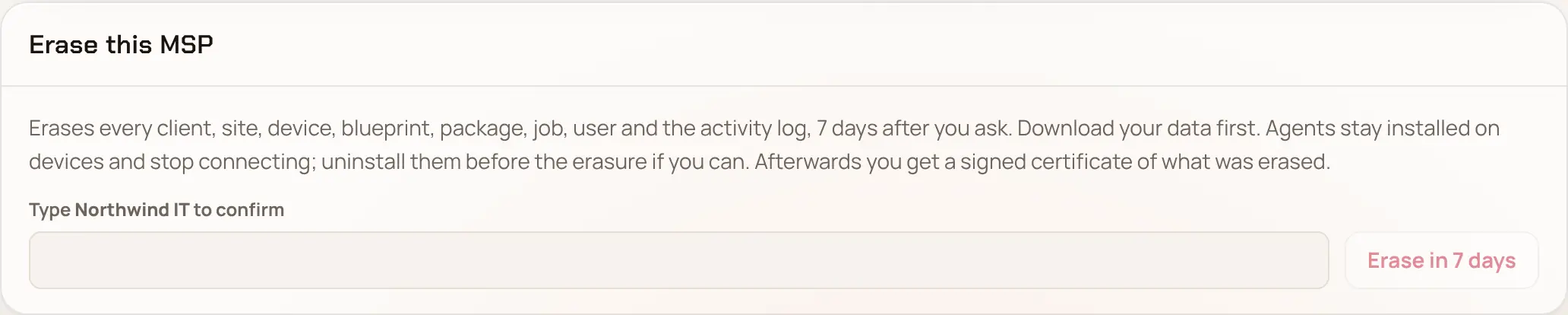
In Settings → Erase this MSP, type your MSP's name and pick Erase in 7 days.
For those 7 days, API keys and new enrollments are off, and any owner can Cancel the erasure.
After that, everything is erased. Download the signed erasure certificate with the one-time code within 30 days, for your records or your clients'.
Remove the agents from your devices before you close (The Enlist agents).
The Terms of Service, Privacy Policy and Data Processing Agreement cover this too. Encrypted backups age out within 6 months of erasure.
Last updated 2026-11-18. Something wrong or missing? Email [email protected].