Devices and agents
Tags and groups
Label devices with tags, and make groups that pick devices by rules, for lists, reports and the API.
Tags are labels you put on devices yourself. Groups pick devices for you by rules, and stay up to date as devices change.
Tags #
- Add or remove tags in a device's Tags panel, or on many devices at once from the list (up to 200 at a time).
- A tag is 1 to 40 characters: letters, digits, spaces, dots, dashes and underscores. A device can have 20.
- Filter Devices by a tag with Show → Tags.
Good uses: loaner, kiosk, exec, replace-2027.
Groups #
In Devices, pick Groups, then make a new group.
Give it a name, and optionally limit it to one client.
Add up to 20 rules and choose whether a device must match all of them or any of them.
Check the preview of which devices it picks, then save.
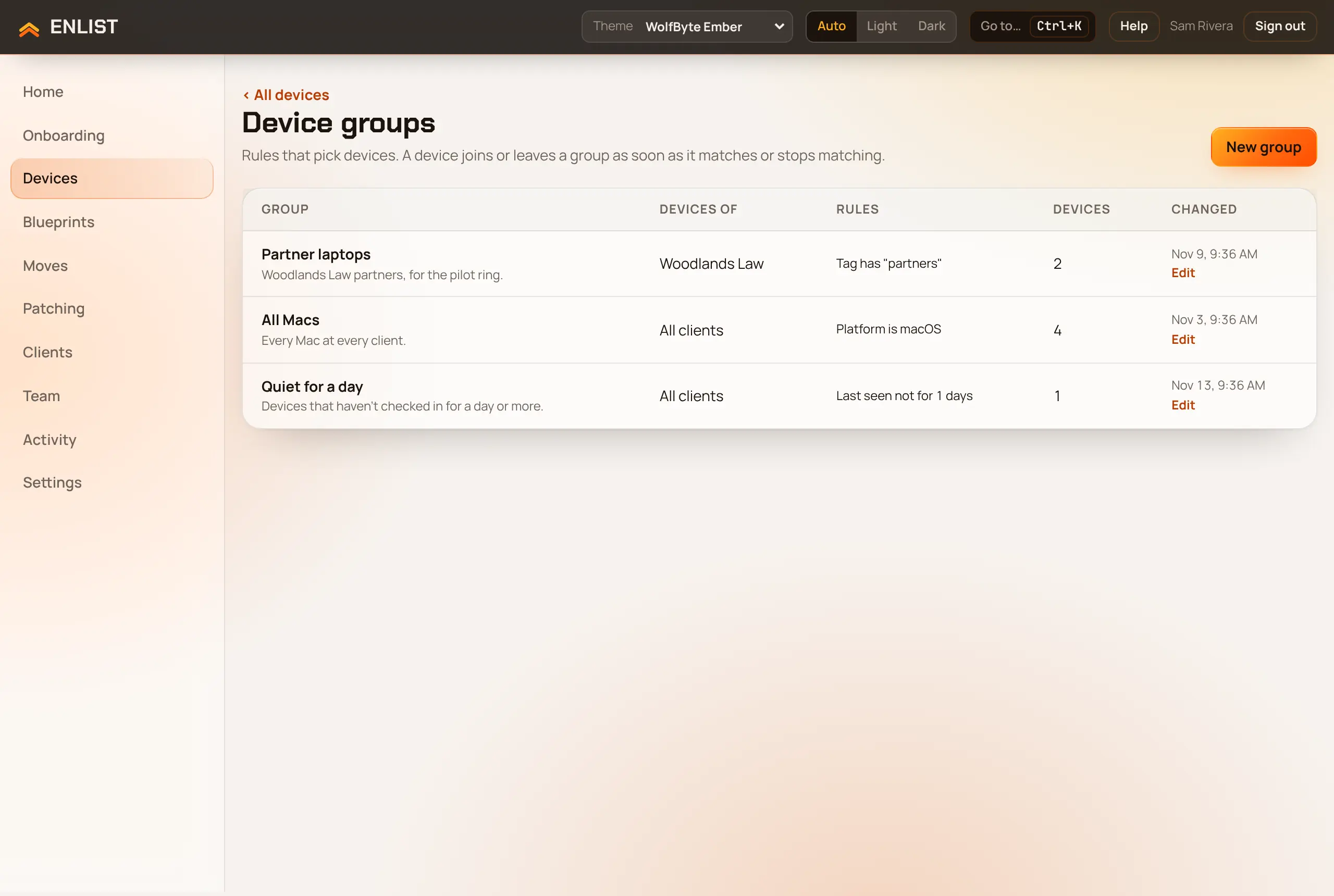
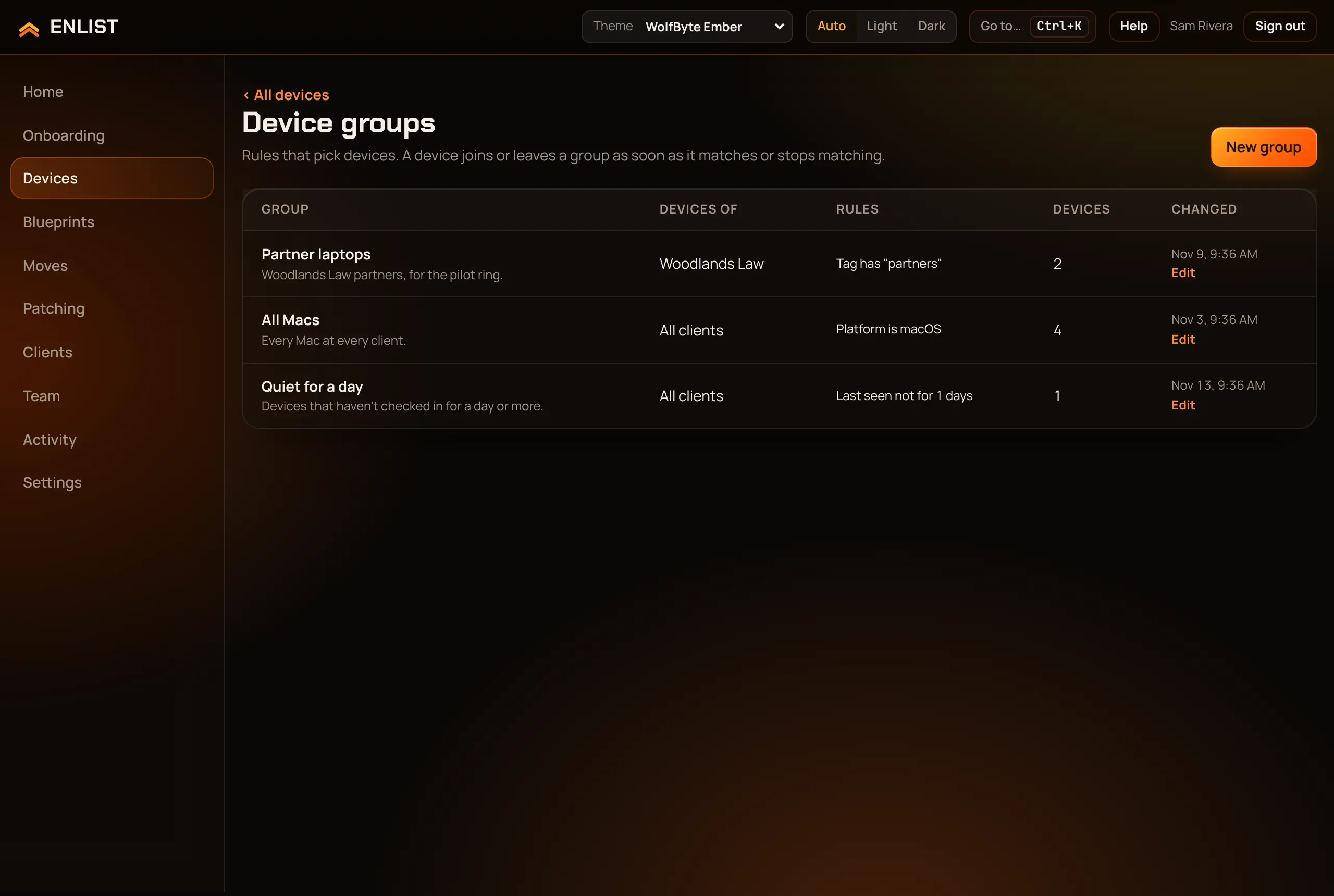
Rules can use: device name, model, manufacturer, OS version, serial number, platform, virtual machine, patch ring, tag, client, last seen and enrolled.
Deleting a group doesn't change its devices.
With the API #
A key with devices:read reads tags and groups, and one with devices:organize can set tags and make, change and delete groups, so your PSA can keep them in step with contracts. See Device groups and tags in the API reference.
Last updated 2026-11-15. Something wrong or missing? Email [email protected].