Patching
Patch reports
See how patched each client is, find failed and overdue devices, export CSVs for clients, and get the monthly report.
The top of Patching shows, for the clients you can see: Fully patched (%), Waiting for approval, Failed, Overdue and Known exploited.
By client #
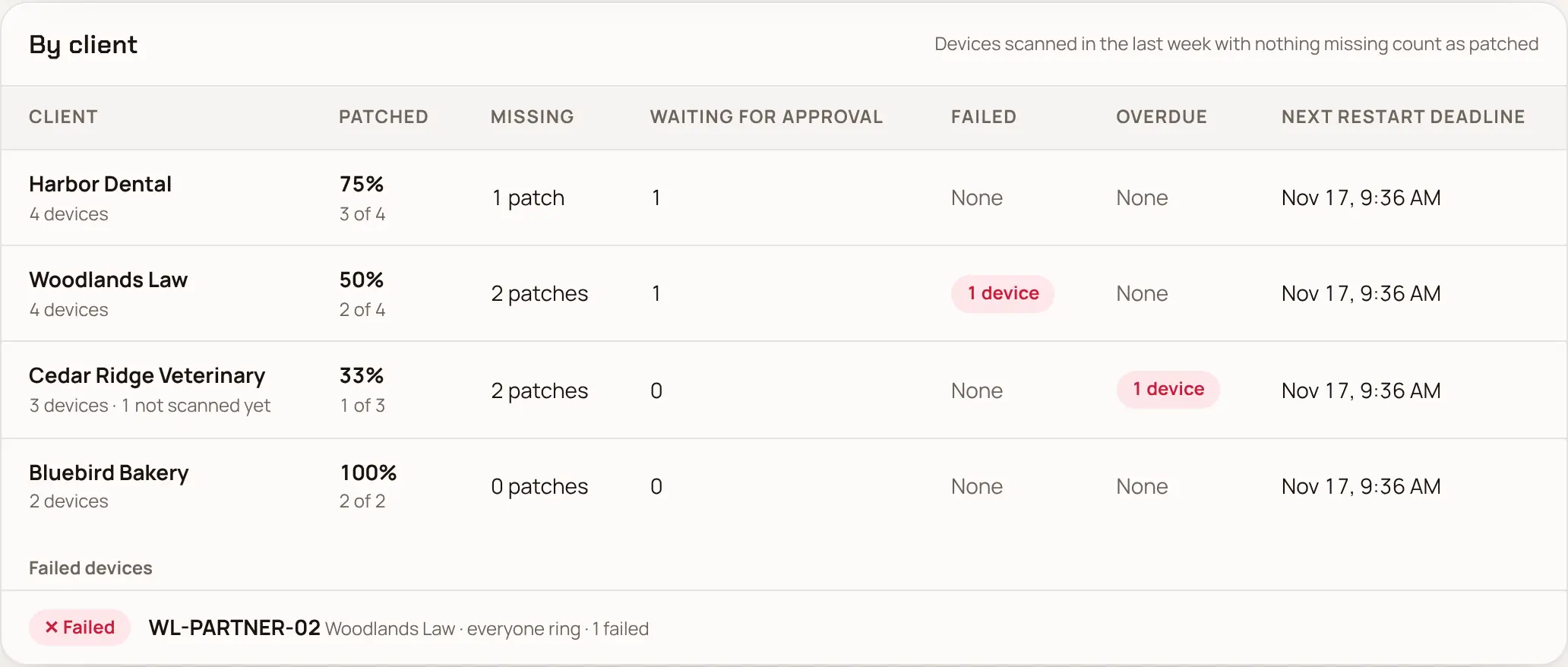
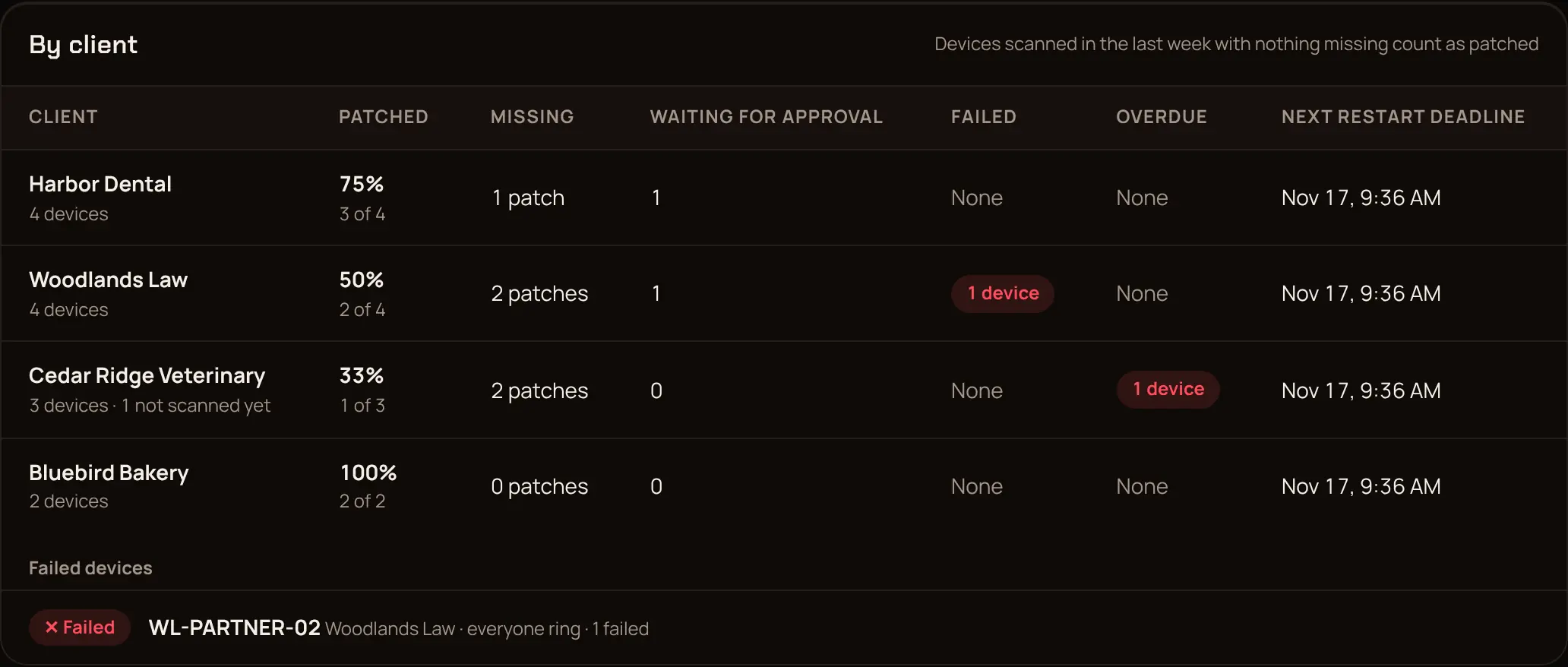
By client lists each client's devices: patched, missing, waiting for approval, failed, overdue, and the next restart deadline. Below it, the failed devices and Open vulnerabilities: the known CVEs still open, and on which devices.
Export for a client #
- Export devices (CSV): one line per device with what it's missing, waiting for, failed and how long until its deadline.
- Export CVEs (CSV): every open vulnerability and the devices that have it, with columns for known exploited and ransomware.
Send them to the client as proof of patching for their insurer, auditor or board.
Monthly patch report #
On the 1st of each month at 06:00 in your MSP's time zone, Enlist emails the patch report, with both CSVs attached, to every email channel that chose Monthly patch report. Set it up in Notifications.
From your own tools #
An API key with devices:read gets the same reports as JSON or CSV: GET /patching/reports/os, /patching/reports/os.csv, /patching/reports/cves and /patching/reports/cves.csv, each with ?clientId= for one client. CSVs stop at 10,000 devices and then send X-Enlist-Truncated: true. See Patching in the API reference.
Last updated 2026-11-15. Something wrong or missing? Email [email protected].