Devices and agents
Keep on standard
Daily checks that put devices back the way their blueprint left them, and tell you when they can't.
Computers drift: someone removes the antivirus, turns off the firewall, or a setting gets changed. Keep on standard runs each device's blueprint again every day, safely, and puts back what drifted.
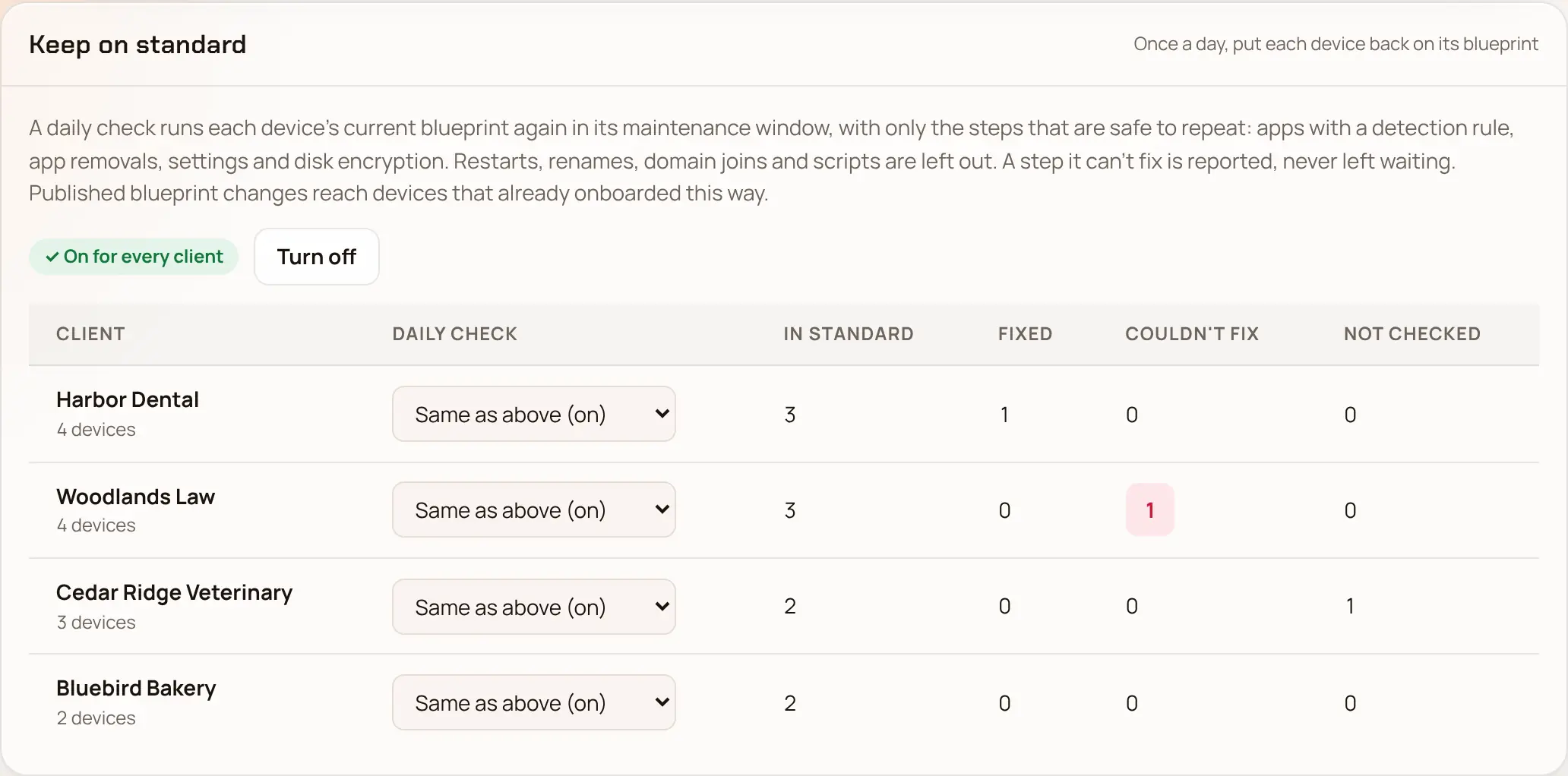
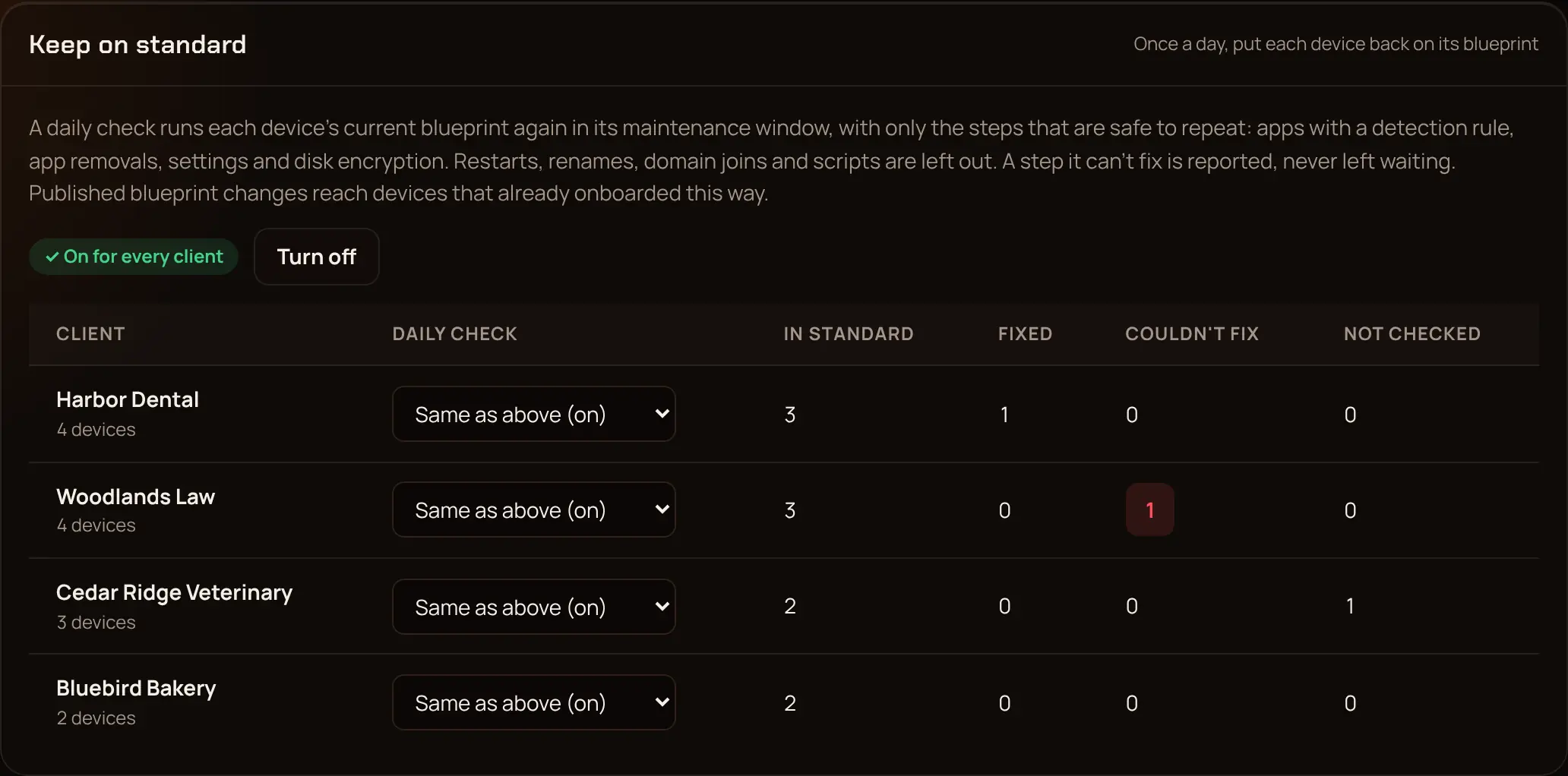
Turn it on #
In Settings → Keep on standard, pick Turn on.
Each client can follow that (Same as above), or be On or Off on its own.
It's off until you turn it on.
What it runs #
Only steps that are safe to repeat: app installs that can tell whether the app is already there, app removals, settings, disk encryption, and the checks. It never renames a computer, joins a domain or Entra again, runs scripts (that includes Office and the preinstalled-app cleanup), restarts the computer, or runs Windows Update rounds, which patching looks after. Steps it leaves out show as skipped, with the reason. It runs at most once every 20 hours, inside the client's patch maintenance window.
When it can't fix something #
A standard check never blocks a device. If it can't put something back, it marks the check failed, tries again the next day, and your notification channels hear about it (standard.failed). The Standard column in Devices shows each device's last result, and a device's page has Check now.
For a summary by client (in standard, fixed, failed, not checked yet), use GET /standard-checks/summary in the API.
Last updated 2026-11-15. Something wrong or missing? Email [email protected].