Onboarding
Watch and fix an onboarding
Follow onboardings live, understand each state, and resume, retry, skip or run again when a step needs someone.
Onboarding lists every device's onboarding live. Filter by All, Blocked, Onboarding, Ready or Cancelled, and by client. Home lists the blocked ones under Needs you, with Resume and Open.


Onboarding states #
- Onboarding
- Running the blueprint's steps.
- Verifying
- Steps done; Windows Update and the checks are running. Last, a Windows PC that still owes Windows a restart is restarted (again, if Windows asks for another), so whoever signs in first isn't asked to restart it. The check shows Restarting to finish setup meanwhile.
- Blocked
- A step failed or needs someone. Nothing more runs until someone acts.
- Not ready
- The steps finished but one or more checks failed.
- Ready
- Done. The device passed every check.
- Failed
- The onboarding couldn't go on.
- Cancelled
- Someone stopped it.
Step states #
Each step shows Waiting, Running, Restarting, Done, Failed, Skipped, "Trying again…", "Held up by a failed step" (it depends on one that failed) or "Waiting for the AD connector". Open a step for its output and error.
Fix a blocked onboarding #
Open the onboarding and read the failed step's error.
Fix the cause, for example plug the PC into the network, change the blueprint, or do the thing the step asked for.
Pick one:
- Retry now runs the failed step again.
- Resume carries on from where it stopped.
- Run again from here runs the chosen step and the steps after it again, even ones that succeeded.
- Skip this step needs an owner's or admin's passkey and a reason (Skip with my passkey). The skip is in the activity log.
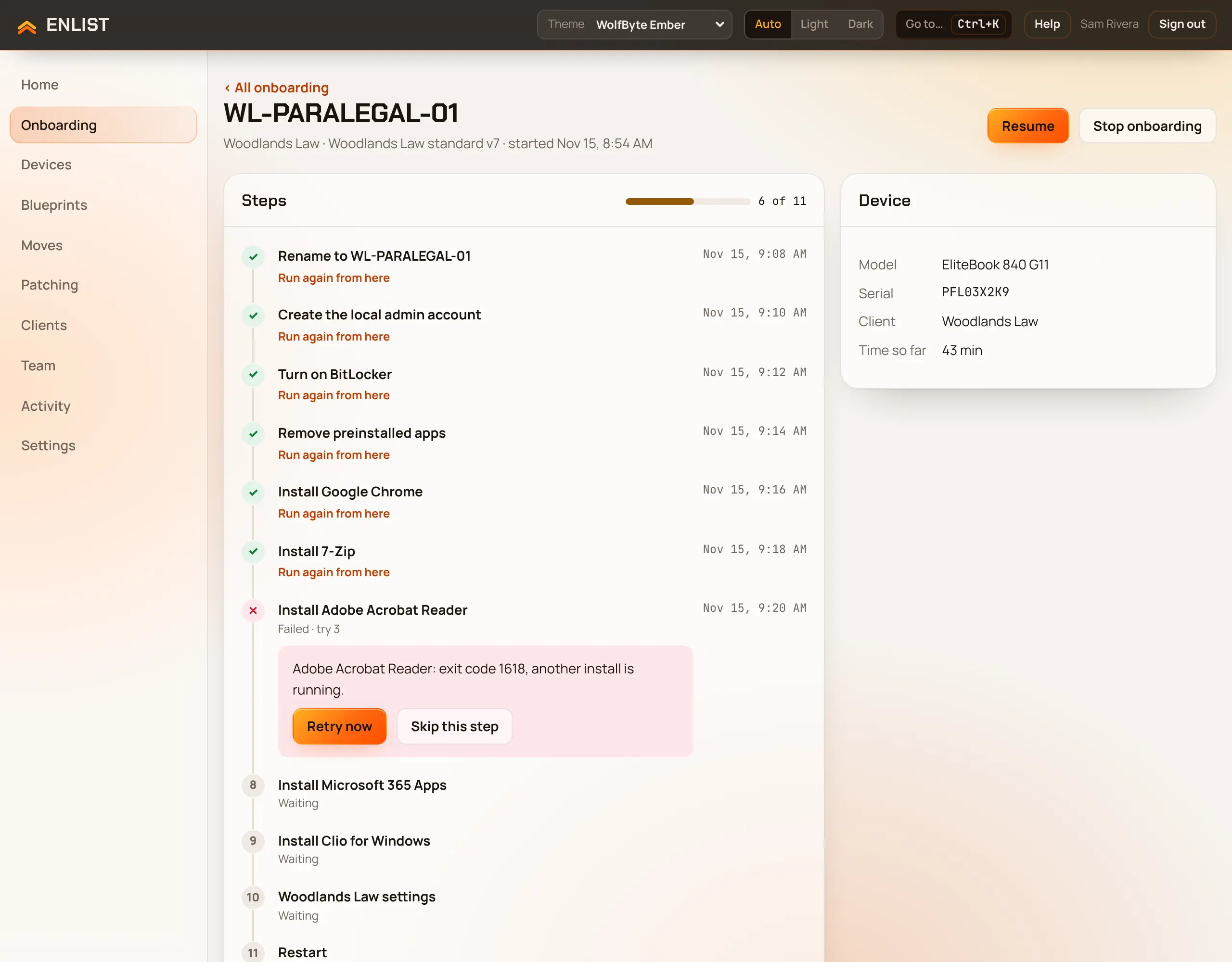
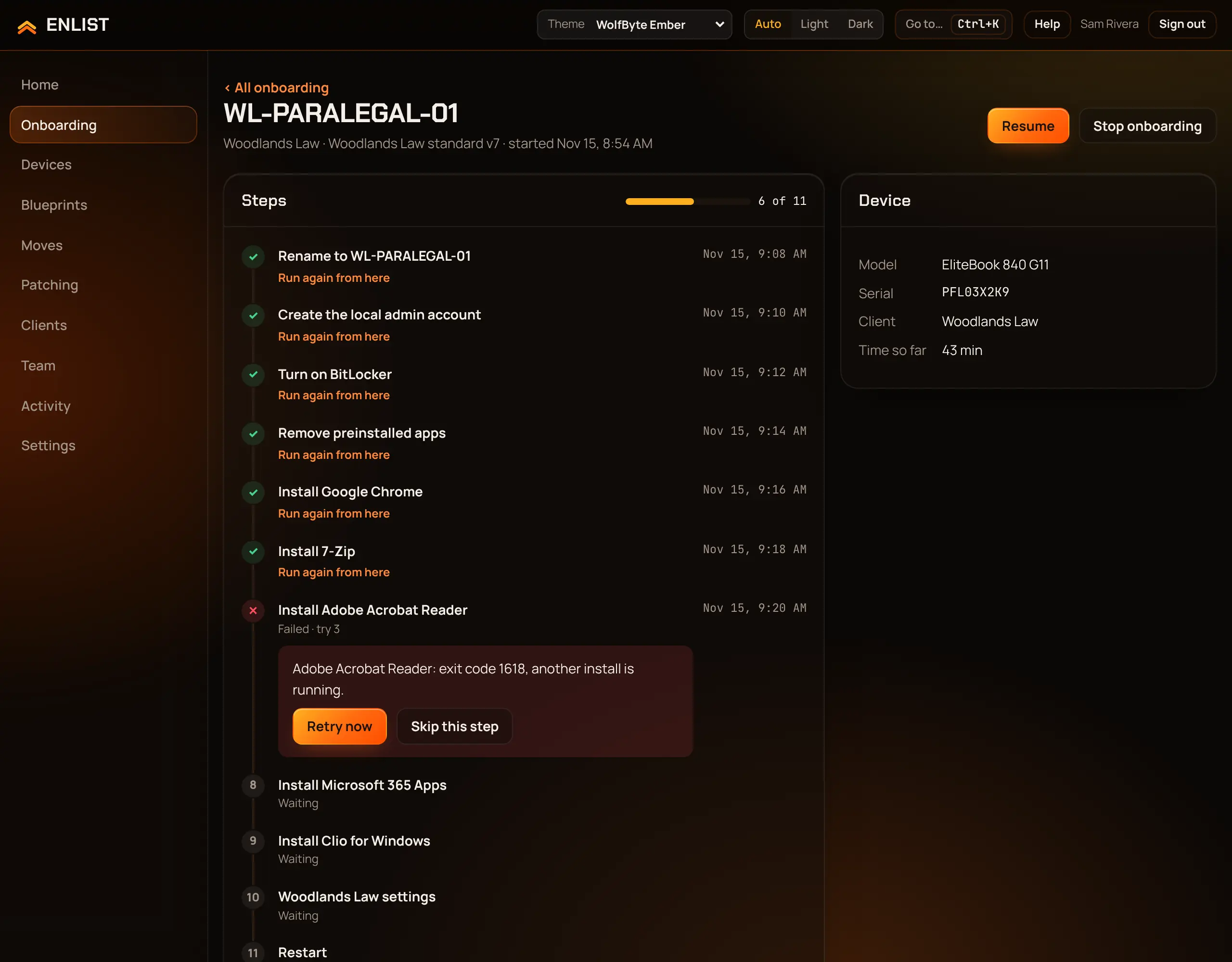
To give up on a device, pick Stop onboarding.
Fix a "Not ready" device #
Each failed check shows why. Fix the cause and pick Check again. Someone who manages blueprints can Skip this check with a reason (Skip and mark ready). The checks that the recovery key and admin password were stored can't be skipped.
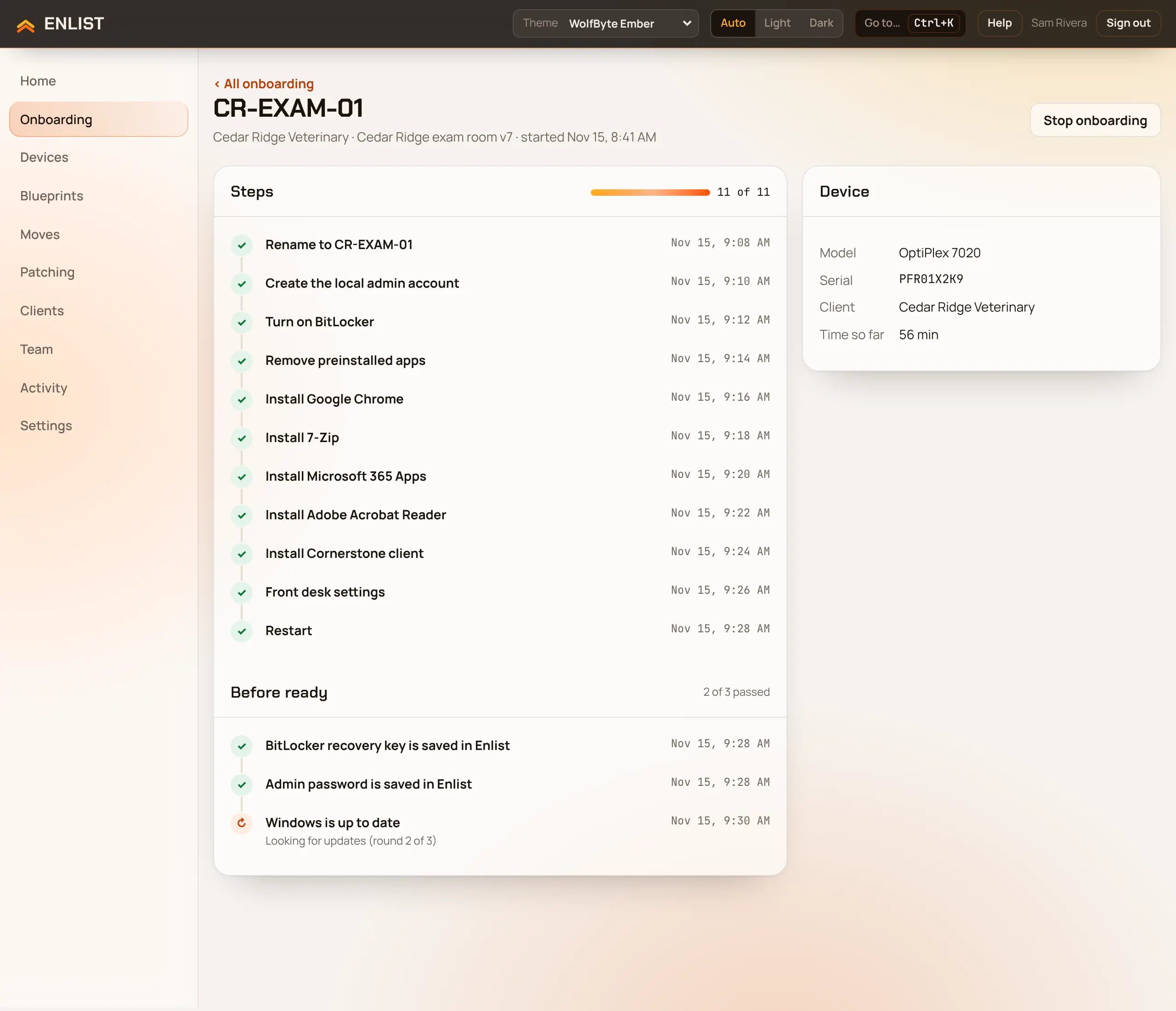
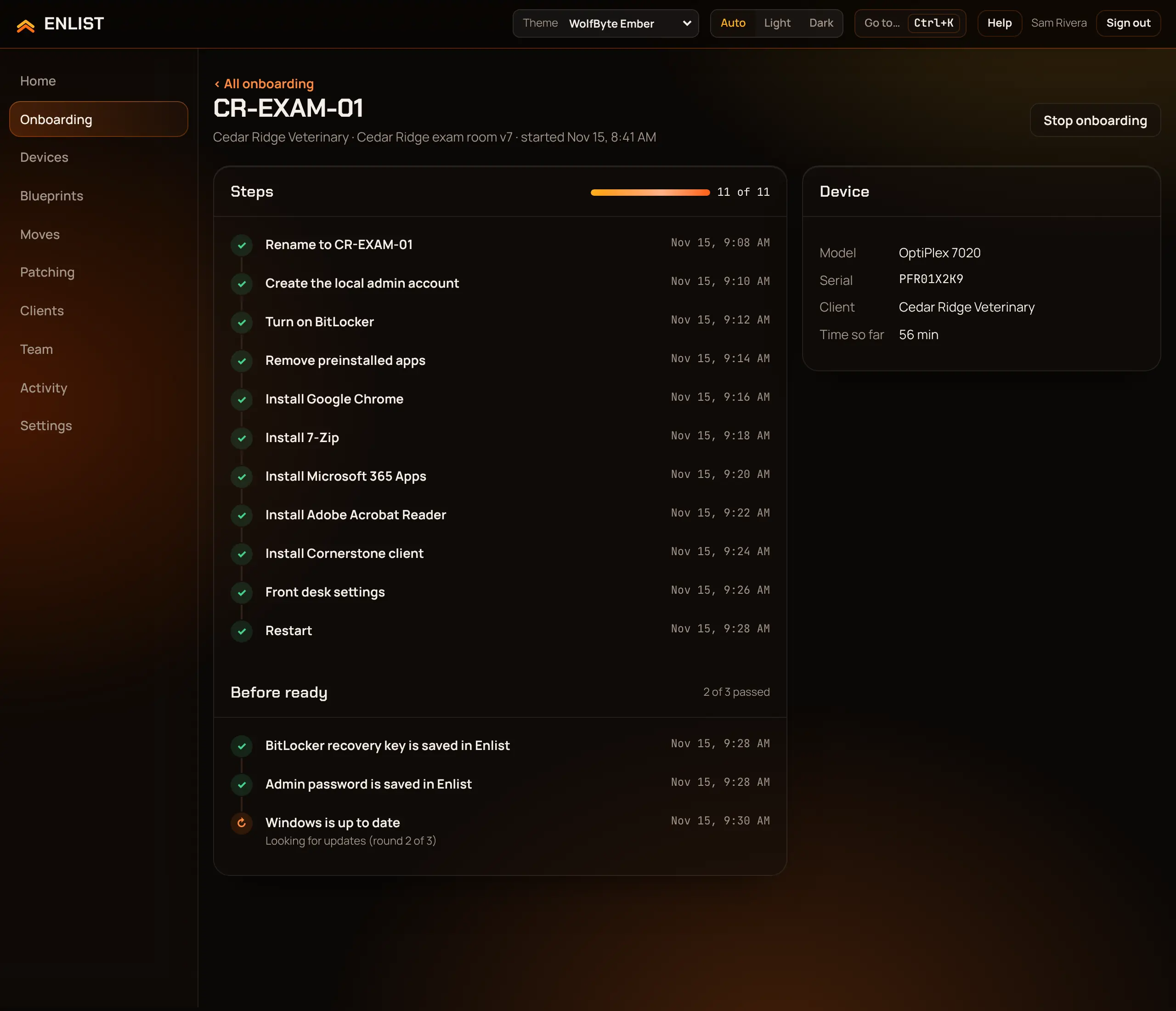
Hear about it without watching #
Add a notification channel for blocked, failed and finished onboardings, or use the onboarding.* webhook events to open a ticket in your PSA.
Last updated 2026-11-15. Something wrong or missing? Email [email protected].