Devices and agents
Security baseline (CIS Level 1)
Check and fix every Windows PC and Mac against the CIS Level 1 benchmark once a day, and show it in the evidence pack. Pro +.
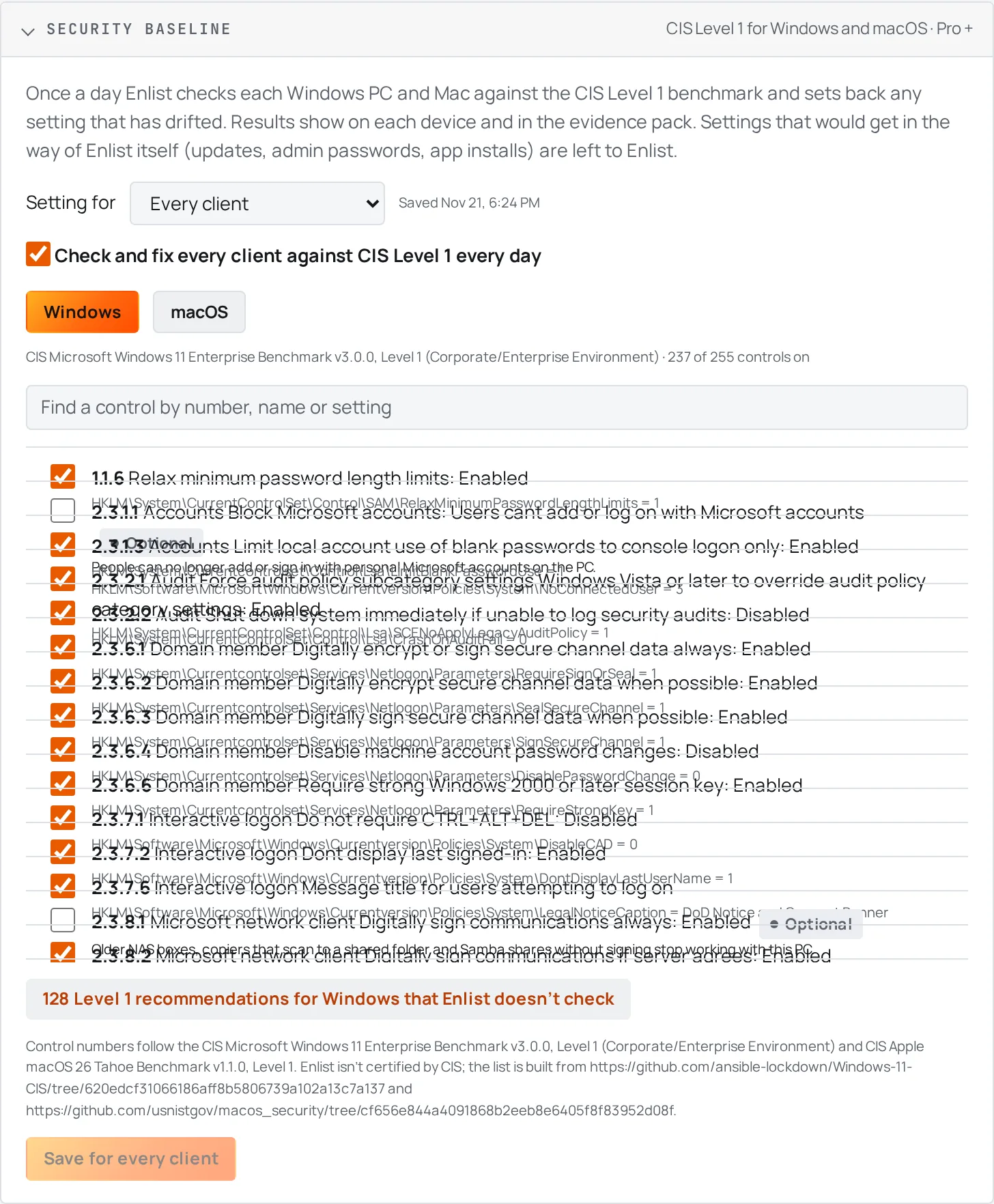
On Pro +, Enlist can hold every Windows PC and Mac to the CIS Level 1 benchmark. Once a day it checks each device's settings and sets back any that have drifted. Each device's page shows which controls passed, which were set back and which couldn't be set, and the evidence pack reports it for SOC 2, HIPAA, NIST and cyber insurance questions.
What it checks #
| Platform | Benchmark | Checked and fixed |
|---|---|---|
| Windows | CIS Microsoft Windows 11 Enterprise v3.0.0, Level 1 | 254 of its 383 Level 1 recommendations: security options, services, Defender, firewall profiles and administrative templates. 235 are on by default, 19 are optional. The sign-in banner is left to you, because it needs your own words for each client. |
| macOS | CIS Apple macOS 26 Tahoe v1.1.0, Level 1 | Software Update, the login window, the guest user, and the firewall and FileVault (read from the device's own status). 9 of its 80 Level 1 recommendations. |
A control is checked and set in one step: Enlist sends the device the exact values, and the agent changes only what is different and says what it found. Nothing needs your passkey on each run.
Some Level 1 recommendations are left out, and Settings lists each one with why:
- Enlist already manages it. Windows Update policies (Enlist's patching decides when updates install), Windows LAPS (Enlist rotates the admin password) and turning App Installer off (Enlist installs apps with winget).
- A range, not a value. "14 or more characters" can't be set to one value without loosening a stricter setting someone chose.
- Not a setting Enlist can make yet. User rights, audit policy, account lockout and password policy on Windows; configuration profiles and scripts on macOS.
Turn it on #
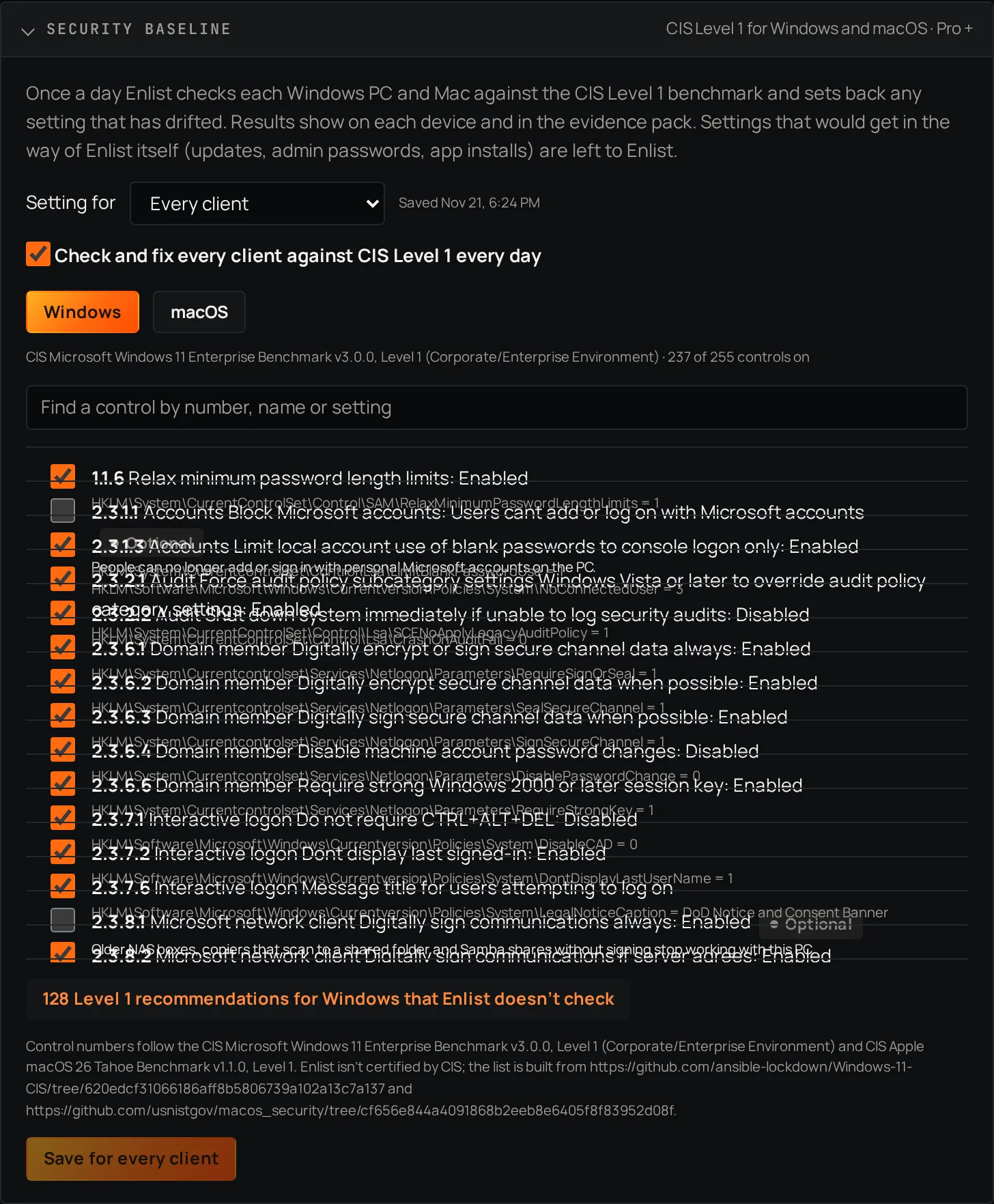
In Settings → Security baseline, pick Every client or one client under Setting for.
Tick Check and fix every client against CIS Level 1 every day.
Under Windows and macOS, untick any control you want left out, and tick the optional ones you want. Optional controls say what they change for the people using the device: turning OneDrive or the OpenSSH server off, locking virtualization-based security with UEFI, attack surface reduction rules, macOS installing updates on its own.
Pick Save. Turning the baseline off or leaving a control out asks you to confirm with your passkey. So does turning on a control marked Can't be undone remotely: memory integrity, Credential Guard and LSA protection with a UEFI lock. Once a device has one of these, only someone at the PC can turn it off, so the console also asks you to tick that you understand before you save.
A client with its own setting uses only that. Use the setting for every client puts it back. Every change is in the activity log. If your plan stops being Pro +, the daily runs stop and the setting stays for when it comes back.
See the results #
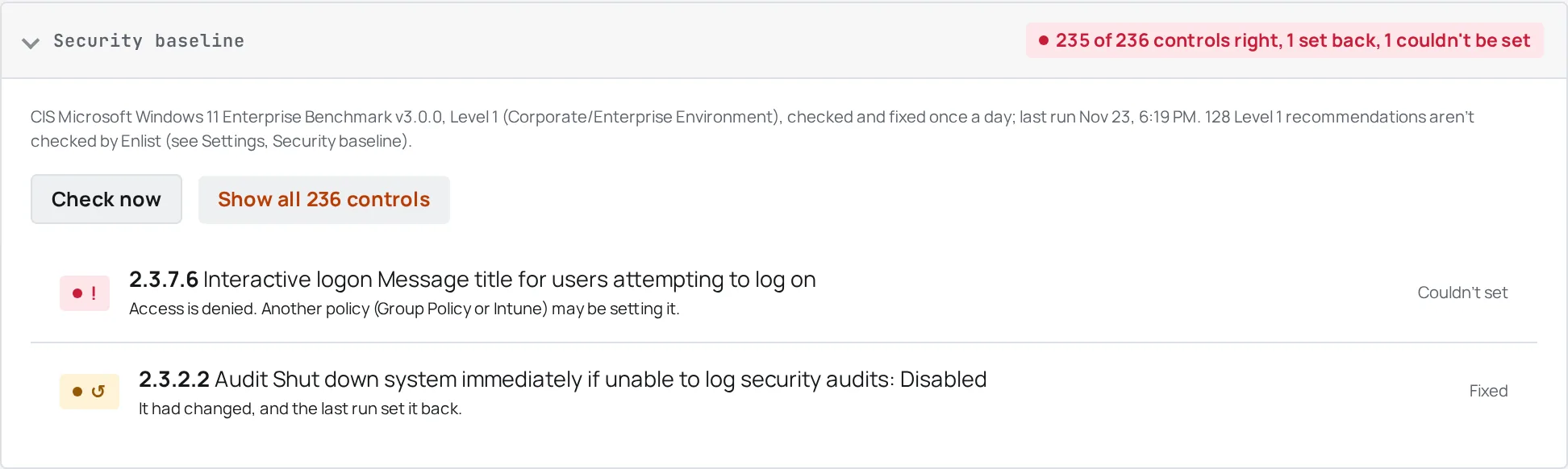
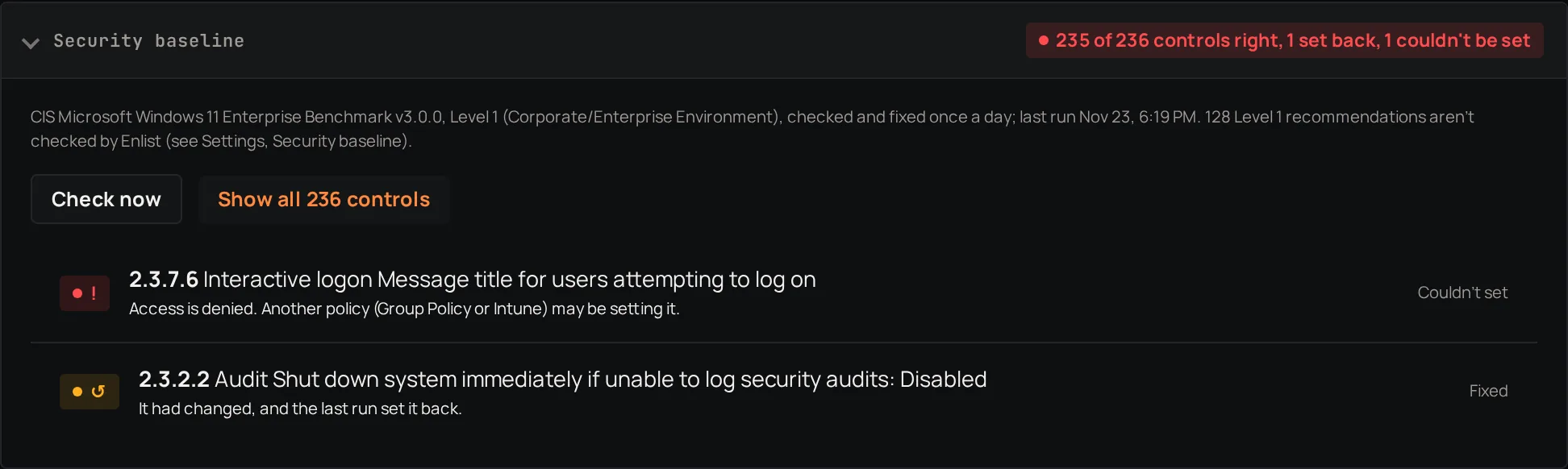
Each device's page has a Security baseline card with how many controls were right at the last run, what was set back and what couldn't be set, with the agent's reason. Check now runs it at once instead of waiting for the next day. A device that is offline gets its run when it comes back within a day.
For scripts and other tools, GET /devices/{id}/cis returns the same, and GET /cis/catalog lists every control and what it sets (API).
About CIS #
Control numbers and names follow the CIS Benchmarks, so an auditor can match them. Enlist is not certified by the Center for Internet Security. The Windows list comes from Ansible Lockdown's Windows-11-CIS (MIT license) and the macOS list from NIST's macOS Security Compliance Project (CC BY 4.0), both pinned to one version and checked on every build.
Last updated 2026-11-24. Something wrong or missing? Email [email protected].